

新闻中心 News
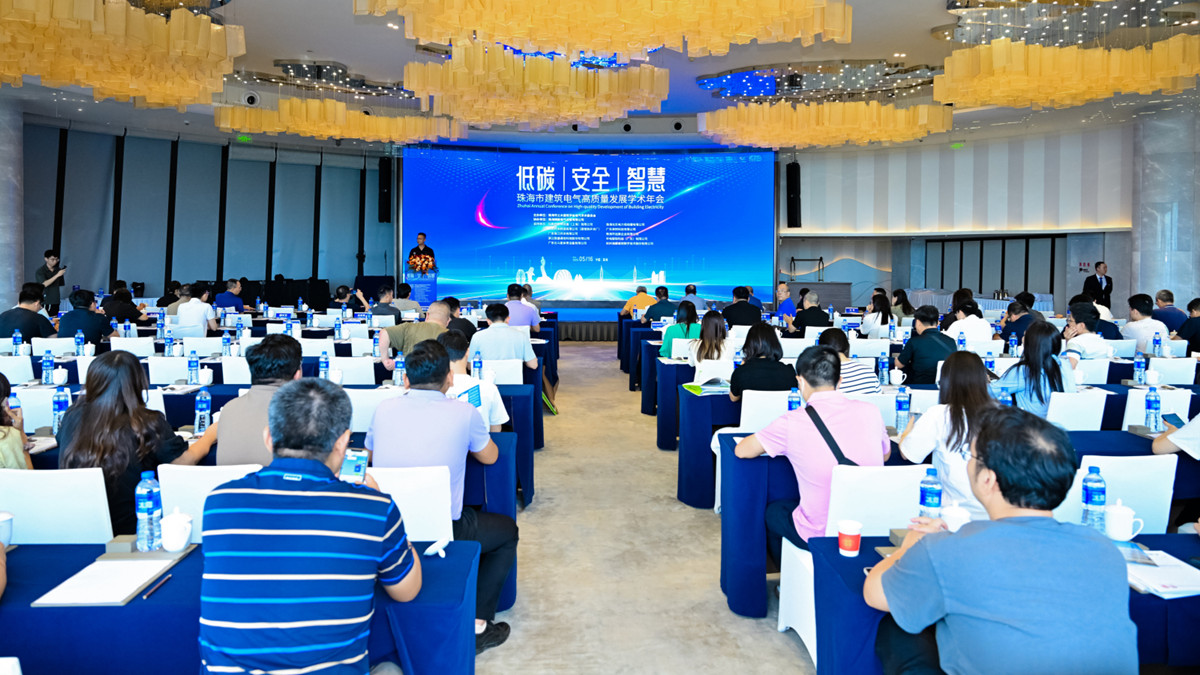
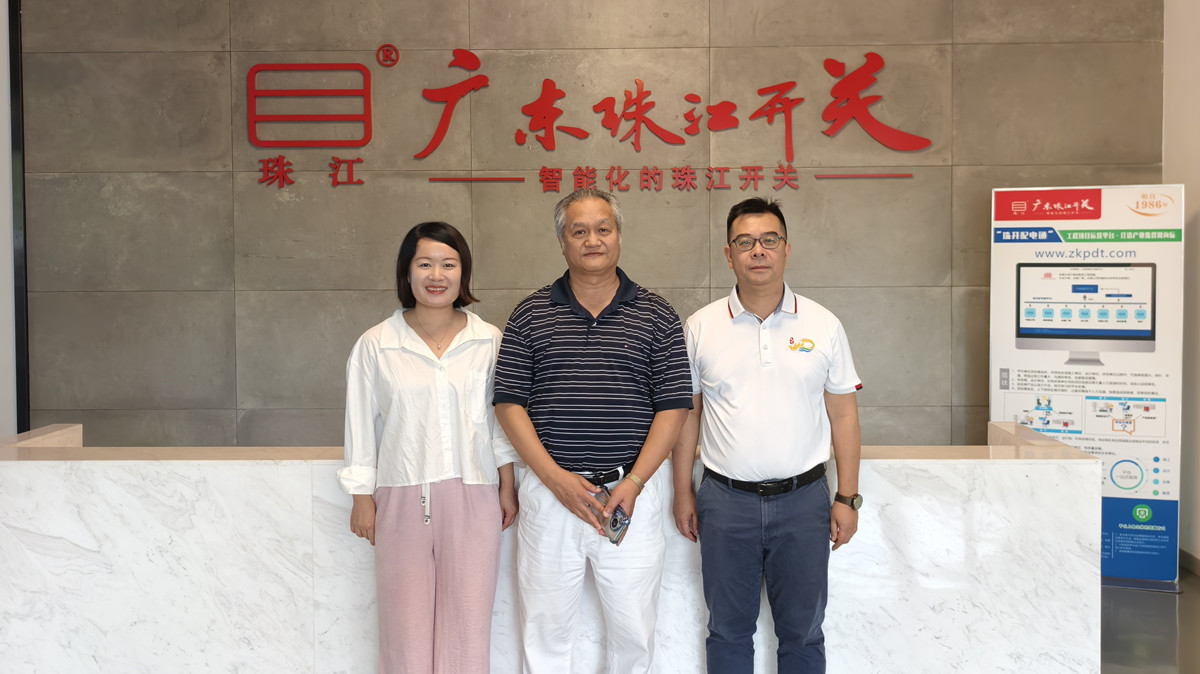
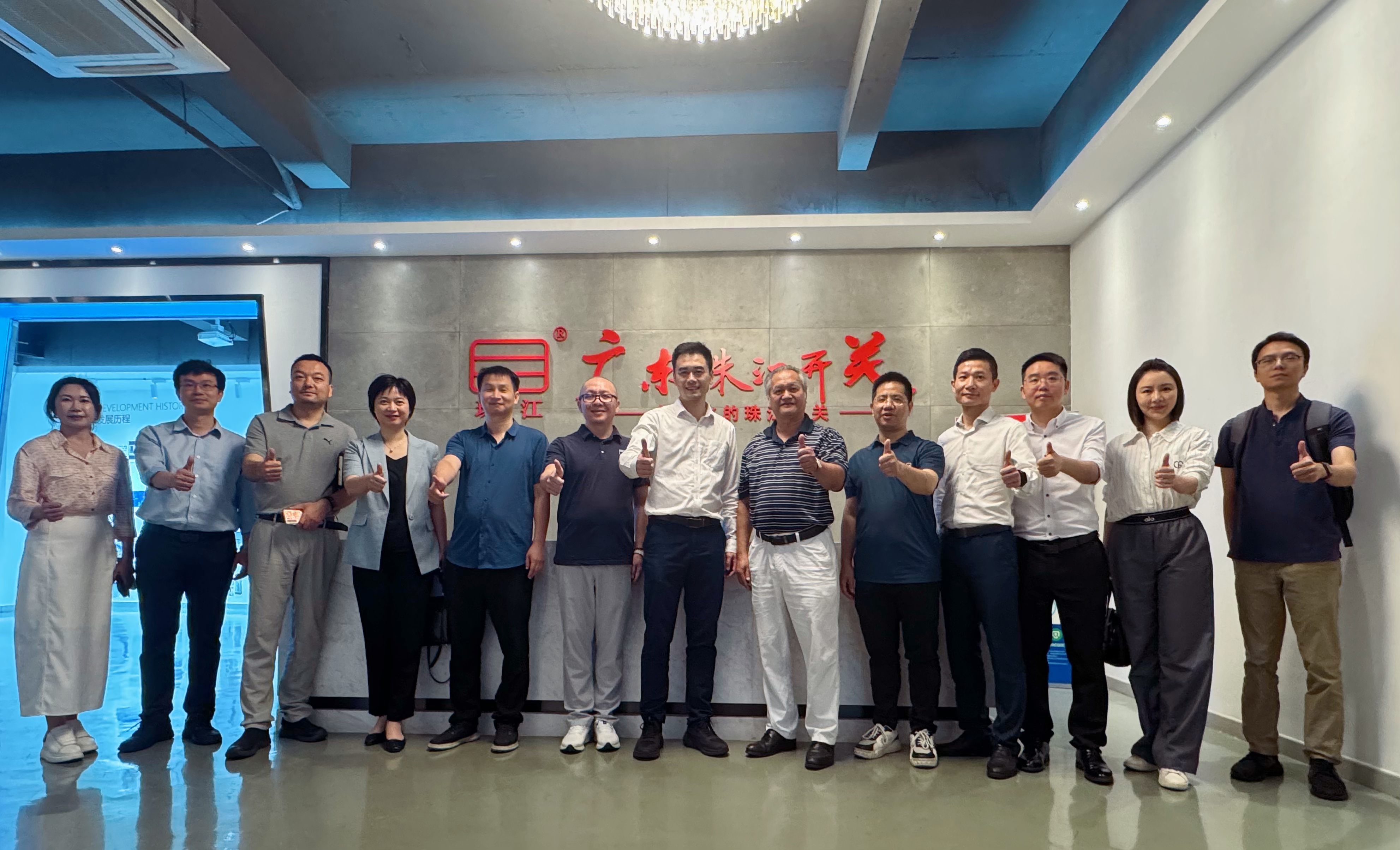
- · 广东珠江开关助力珠海建筑电气高质量...2025-05-20
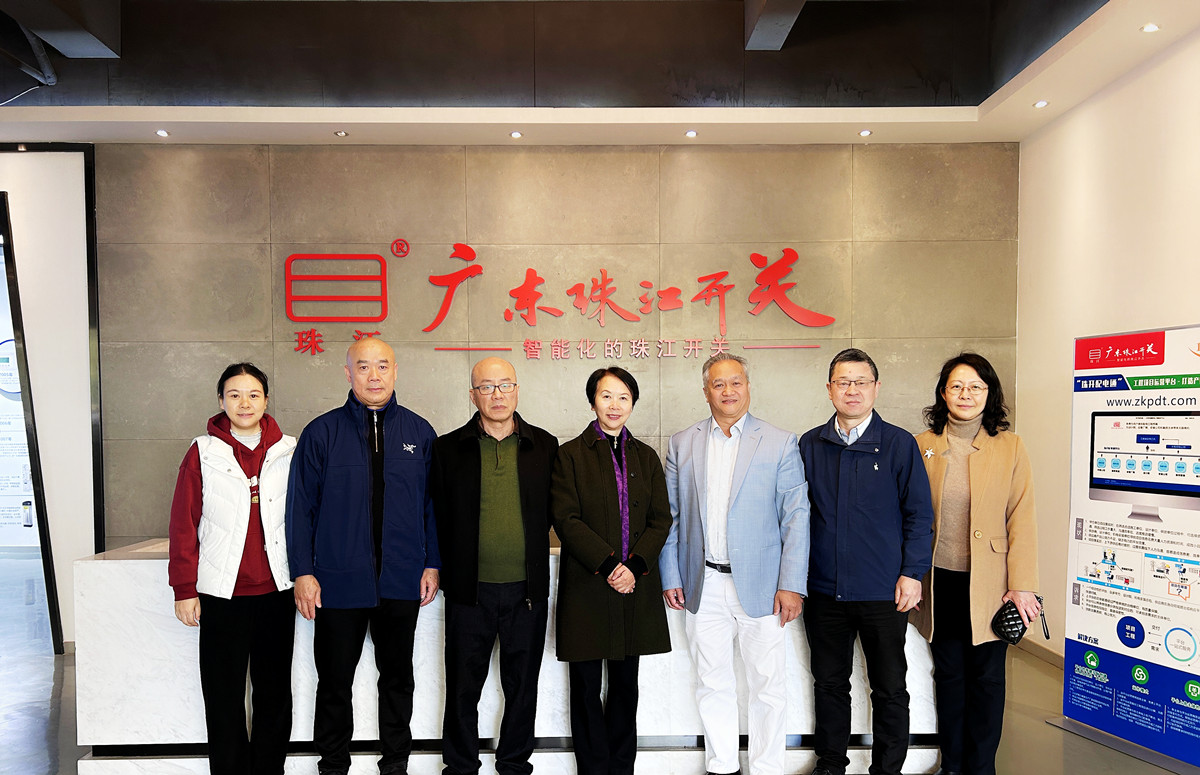
- · 南海工商联党组书记邵凯健深入广东珠...2025-05-07
- · 佛山市金融工作局杨耀明赴广东珠江开...2025-05-06
- · 热烈庆祝广东珠江开关成立39周年2025-03-26
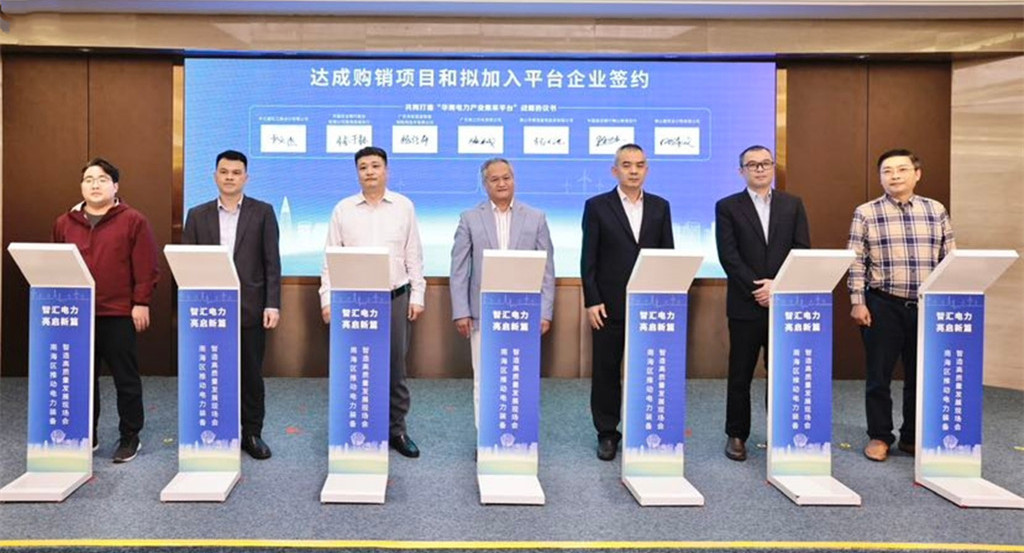
- · “华南电力产业集采平台”正式启动,...2025-02-20
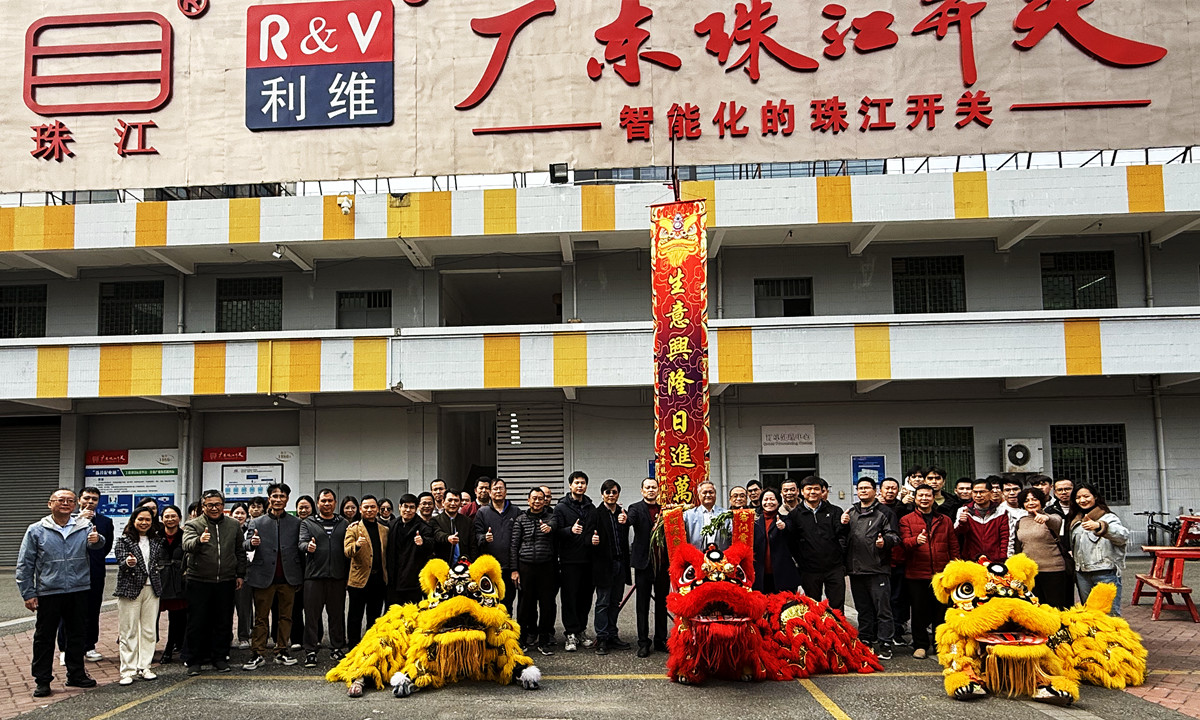
- · 金蛇狂舞迎新岁,信心满怀启新程!—...2025-02-06
- · 【展会预告】2023宁波国际照明展...2023-05-05
- · 【展会预告】广东珠江开关参加 20...2021-09-22
- · 广东珠江开关参加2020EPSha...2020-11-18
- · 广东珠江开关参加2020湖南省建筑...2020-10-20
- · 广东珠江开关参加2020 中国(广...2020-09-04
- · 广东珠江开关参加中国电器工业协会电...2019-11-25
- · 这些地方,电动车禁止进入2022-05-13
- · 出租屋安全隐患专题——私拉电线篇2019-09-05
- · 出租屋火灾隐患——漏电保护器篇2019-08-20
- · 出租屋火灾隐患——电动车火灾篇2019-08-06
- · 电气火灾产生原因及防范(下)2019-07-30
- · 电气火灾产生原因及防范(上)2019-07-25
经营语录